
.svg)


Enterprise Notification Upgrades: Smarter PagerDuty Alerts + Granular Notifications


As data teams scale, a solid observability strategy is critical for earning stakeholder trust. Proactive monitoring and alerting show that you're on top of data quality issues before they impact critical business decisions and functions. But notifications can backfire quickly. When every alert goes to everyone, the important stuff gets buried. The very system designed to build confidence can end up undermining it.
At Matia, we've heard this feedback consistently from enterprise customers managing hundreds of data assets across multiple teams. They need the visibility that observability provides, but with the precision and control that prevents notification chaos.
So we’re doing something about it.
Today, we’re announcing two powerful notification upgrades designed specifically for enterprise data teams: granular notification filtering and enhanced PagerDuty integration. These new releases give you the precision, control, and incident management capabilities that large-scale data operations demand.
Granular Notification Control
Previously, notification rules in Matia applied universally across all your data assets. If you set up a Slack alert for freshness anomalies, every single freshness issue across your entire data warehouse would trigger that notification. We set it up this way intentionally to make it easier for smaller data teams to set up notifications. However, while this all-or-nothing approach worked for smaller teams, enterprise organizations needed something more scalable.
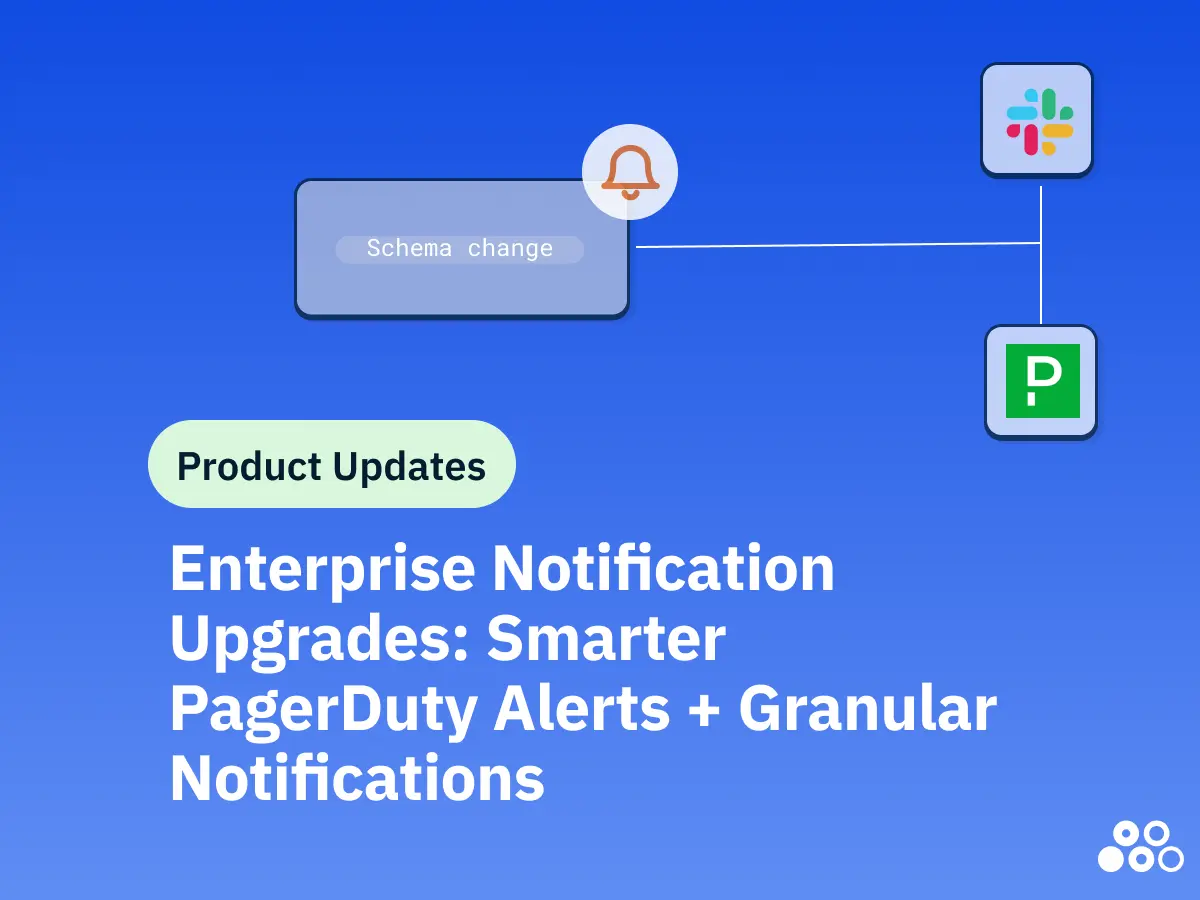
Now, you can configure notification rules to apply only to specific data assets, databases, schemas, or even individual tables. This means your analytics team can receive notifications only for the customer-facing dashboards they own, while your data engineering team gets alerts exclusively for the pipeline assets they maintain.
How It Works
When creating or editing a notification rule, you'll now see an option to "Filter by data assets or tags." From there, you can:
- Select specific assets: Choose individual Snowflake databases, BigQuery datasets, Databricks schemas, or S3 buckets
- Target schemas or tables: Drill down to monitor only the data assets that matter to your team
- Build custom notification scopes: Create different notification rules for different parts of your data infrastructure
The system intelligently handles coverage logic. For example, if you select a database, any schema changes, connectivity issues, or freshness anomalies within that database will trigger the notification. If you select a specific table for freshness monitoring, only issues with that table will alert your team.
In the video below, we set up a Slack notification to alert us to a specific channel when there are schema changes, connectivity issues or freshness and row count anomalies on our Snowflake dbt analytics table.
Enhanced PagerDuty Integration: Enterprise-Grade Incident Management
For teams already using PagerDuty for incident management, Matia's enhanced integration brings data quality and observability issues directly into your existing on-call workflows.
PagerDuty channels now appear at the top of all notification channel lists in Matia, making them easy to identify and select. More importantly, you can now configure PagerDuty notifications for specific integration events across your data pipeline.
When data quality issues arise (whether from failed integrations, incomplete data loads, schema changes, or freshness anomalies), Matia automatically creates incidents in PagerDuty with rich context about the affected resources, severity levels, and relevant details.
Intelligent Incident Updates
Matia’s PagerDuty integration keeps incidents in sync with data quality issues. Here’s how it works:
- Severity changes automatically update the PagerDuty incident with the new severity level
- Issue acknowledgment in Matia reflects in your PagerDuty incident status
- Issue resolution automatically resolves the PagerDuty incident, keeping your incident management system clean and accurate
This bidirectional awareness means your on-call engineers get accurate, real-time information about data quality issues without context switching between platforms, and that can be a life saver for a busy engineer.
Building Your Notification Strategy: Monitors + Alerts
These notification upgrades work seamlessly with Matia's granular monitoring capabilities. You can now enable auto-generated monitors for all tables in specific assets, or pick exactly which schemas should be monitored. This gives you end-to-end control: decide what to monitor, and decide who gets notified when issues arise.
For example, you can enable auto-monitoring for all tables in your Snowflake database but configure notifications so that only freshness issues in customer-facing schemas alert your on-call team through PagerDuty, while schema changes in dbt schemas simply notify your data analysts via Slack.
One thing that our customers told us is that they wanted more than just triggered email notifications. That’s why we built notifications to offer real-time integrations with Slack channels, PagerDuty incidents, and webhooks that can trigger custom workflows in your organization. These notifications are designed to integrate with how modern data teams actually work (whether that's a Slack channel where your team discusses issues, a PagerDuty rotation that ensures 24/7 coverage, or custom automation built on webhooks).
Built for Enterprise Scale
These new launches represent a significant step forward in Matia’s enterprise capabilities. We’re giving data platform teams the controls they need to run data observability at scale across hundreds or thousands of data assets, multiple teams, and complex organizational structures, with notifications that respect ownership and access boundaries through role-based access control.
If you’re managing data infrastructure at an enterprise level, granular notification control and enhanced PagerDuty integration will help you move from reactive firefighting to proactive, organized data quality management.
Stay tuned for more Enterprise capability drops in 2026.






.svg)


