
.svg)


Data Pipelines as Code: Introducing Matia's Terraform Provider


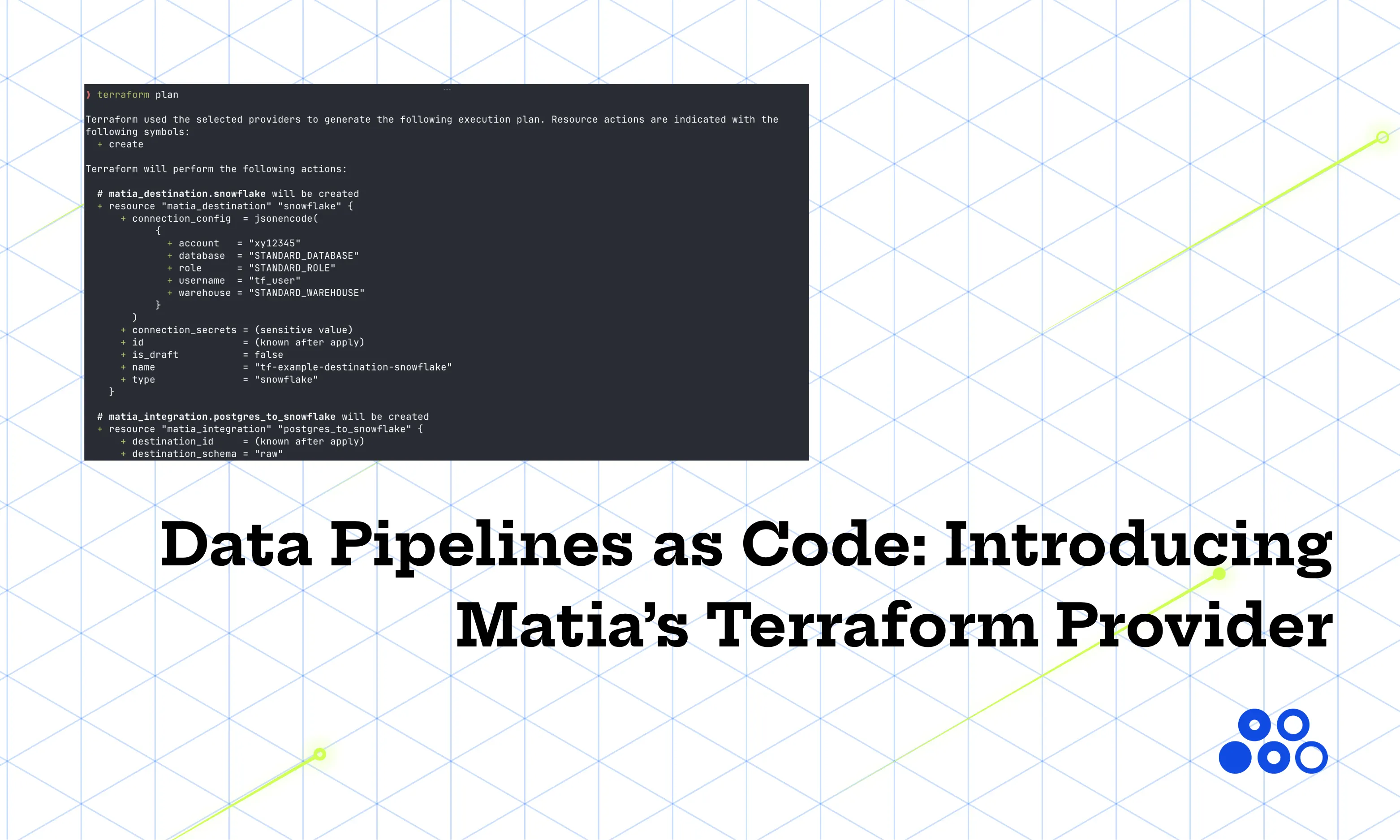
If you've ever managed data integrations by clicking through a UI, you know the drill. You set up a source, a destination, and set a schedule. It works great, until six months later someone asks "wait, why is this table syncing every hour?" and you can’t trace that change back to a ticket.
Terraform fixes that. Your pipelines become files that live in source control—usually Git—so they get the same history, reviews, and accountability as the rest of your software. Every committed change records what changed and who made it, and a good commit message links the change to a ticket, story, or brief explanation of why it was made. Six months later, you can trace that hourly sync back to the exact commit instead of guessing.
Matia now ships a Terraform provider that lets you define sources, destinations, and the sync jobs between them, all as code you can diff and review like everything else your engineering team ships.
This post walks through two real, runnable examples: Postgres to Snowflake, and MySQL to BigQuery. Both live in this repo, so you can follow along and then go run them yourself.
Five resources to remember
Before we touch any code, here are the five resources the Matia provider revolves around:
matia_source: where your data comes from (a database, an API, any ETL connector that Matia currently supports).matia_destination: where your data ends up (a warehouse, usually).matia_integration: the pipe connecting a source to a destination.matia_integration_schedule: how often that pipe runs.matia_integration_schema: which tables and columns actually flow through it.
That last point trips people up the first time. A source, a destination, and an integration alone don't sync anything. You need the schedule and the schema resources too, or you've just declared an empty pipe. Keep that in mind, we'll come back to it.
One more thing worth knowing up front: matia_source and matia_destination don't have a different Terraform schema for every connector. They both take a type field plus a free-form connection_config/connection_secrets JSON blob. That means the same five-resource pattern works for any connector pair that Matia supports. Postgres, MySQL, Snowflake, BigQuery, whatever's next. Learn the pattern once, and you’re set for future pipelines!
First things first
The Terraform configuration is only one part of a working data pipeline. Before you run the examples, make sure the systems on both ends are ready.
At a minimum:
- The source database must be reachable from Matia.
- The source must satisfy the connector-specific prerequisites for the sync mode you plan to use, including any CDC configuration and database permissions.
- The destination credentials must be able to create or write to the target database and schema.
- The source tables referenced in matia_integration_schema must already exist.
- Your Matia API key must have permission to create and manage the relevant assets and integrations.
The exact database grants and CDC settings depend on the connector. Check the relevant Matia connector documentation before treating terraform apply as an end-to-end readiness test.
For a first deployment, it’s also helpful to keep the schedule manual. That lets you inspect the resources Terraform created before the pipeline starts moving production data.
Install and configure the provider
First, you need to create a Matia API key. You can do this within Matia by navigating to Settings > Admin > API Tokens and clicking “Generate Token.” Once you have your API key, start by declaring the provider source and a compatible version constraint:
terraform {
  required_version = ">= 1.0"

  required_providers {
    matia = {
      source  = "matiadata/matia"
      version = "~> 0.1"
    }
  }
}

provider "matia" {}
The empty provider block is intentional. The preferred authentication path is through environment variables:
export MATIA_API_TOKEN="your-api-key"
export MATIA_API_URL="https://api.matia.io/v1" # optional; this is the default
This keeps the API token out of your Terraform configuration and lets the same code work across local environments and CI systems.
You can also set api_token explicitly in the provider block when the value comes from a secrets manager or another Terraform data source:
variable "matia_api_token" {
  type        = string
  description = "Matia API token"
  sensitive   = true
}

provider "matia" {
  api_token = var.matia_api_token
}
(Note: Terraform security practices are out of scope for this article, but Hashicorp provides a wealth of guidance to help teams ensure their infrastructure and infrastructure-as-code remain secure.)
Example 1: Postgres → Snowflake
Let's build a pipeline that replicates a Postgres table into Snowflake.
The source
resource "matia_source" "postgres" {
  name = "tf-example-source-postgres"
  type = "postgres"

  connection_config = jsonencode({
    hostname = var.postgres_hostname
    port     = var.postgres_port
    database = var.postgres_database
    ssl      = var.postgres_ssl
  })

  connection_secrets = jsonencode({
    username = var.postgres_username
    password = var.postgres_password
  })
}
Nothing exotic here. connection_config holds the stuff you wouldn't mind seeing in a log; connection_secrets holds the stuff you very much would mind seeing in a log. Terraform keeps them separate so you can treat them differently in your variable definitions.
The destination
resource "matia_destination" "snowflake" {
  name = "tf-example-destination-snowflake"
  type = "snowflake"

  connection_config = jsonencode({
    account   = var.snowflake_account
    database  = var.snowflake_database
    warehouse = var.snowflake_warehouse
    role      = var.snowflake_role
    username  = var.snowflake_username
  })

  connection_secrets = jsonencode({
    password = var.snowflake_password
  })
}
Same shape, different connector. That's the whole point!
The integration, schedule, and schema
This is where the source and destination actually get connected, and where the pipeline gets told what to sync and when:
resource "matia_integration" "postgres_to_snowflake" {
  name               = "tf-example-postgres-to-snowflake"
  source_id          = matia_source.postgres.id
  destination_id     = matia_destination.snowflake.id
  destination_schema = var.destination_schema

  source_settings = jsonencode({
    incremental_mode = "Change Stream"
    max_clients      = 4
  })
}

resource "matia_integration_schedule" "postgres_to_snowflake" {
  integration_id        = matia_integration.postgres_to_snowflake.id
  replication_frequency = "manual"
}

# Enables the "users" table in the "public" schema for sync. The table must
# already exist in the source Postgres database - adjust this block (or add
# more tables) to match your actual schema before running terraform apply.
resource "matia_integration_schema" "postgres_to_snowflake" {
  integration_id = matia_integration.postgres_to_snowflake.id
  config = jsonencode({
    schemas = {
      public = {
        tables = {
          users = {
            enabled  = true
            syncMode = "change_stream"
          }
        }
      }
    }
  })
}
A few things worth calling out:
source_idanddestination_idreference the resources by their Terraform-managed.id. Terraform figures out the dependency order for you: source and destination get created first, then the integration, then the schedule and schema.syncMode = "change_stream"means Postgres CDC. Matia reads the replication stream instead of polling the table, which is both faster and gentler on your database.replication_frequency = "manual"means nothing runs until you trigger it, either from the Matia UI or by hitting the/integrations/{id}/runendpoint. That's a deliberately safe default for a first apply. Nobody wants their firstterraform applyto also be their first production sync.
Example 2: MySQL → BigQuery
Same pattern, different connectors. Here's the source:
resource "matia_source" "mysql" {
  name = "tf-example-source-mysql"
  type = "mysql"

  connection_config = jsonencode({
    hostname = var.mysql_hostname
    port     = var.mysql_port
    database = var.mysql_database
  })

  connection_secrets = jsonencode({
    username = var.mysql_username
    password = var.mysql_password
  })
}
And the destination, this time BigQuery with a service account:
resource "matia_destination" "bigquery" {
  name        = "tf-example-destination-bigquery"
  type        = "bigquery"
  auth_method = "customServiceAccount"

  connection_config = jsonencode({
    project_id          = var.bigquery_project_id
    location            = var.bigquery_location
    isServiceConnection = false
  })

  connection_secrets = jsonencode({
    private_key  = var.bigquery_private_key
    client_email = var.bigquery_client_email
  })
}
The auth_method field is new here, since BigQuery needs to know it's getting a service account key rather than a username/password pair. Otherwise, still the same type + connection_config/connection_secrets shape as Postgres.
The integration side looks almost identical to the Postgres example, with one small but important difference in sync mode:
resource "matia_integration" "mysql_to_bigquery" {
  name               = "tf-example-mysql-to-bigquery"
  source_id          = matia_source.mysql.id
  destination_id     = matia_destination.bigquery.id
  destination_schema = var.destination_schema

  source_settings = jsonencode({
    incremental_mode = "Change Stream"
    max_clients      = 4
  })
}

resource "matia_integration_schedule" "mysql_to_bigquery" {
  integration_id        = matia_integration.mysql_to_bigquery.id
  replication_frequency = "manual"
}

# Enables the "users" table for sync. The table must already exist in the
# source MySQL database - adjust this block (or add more tables) to match
# your actual schema before running terraform apply. MySQL CDC uses syncMode
# "incremental" together with source_settings.incremental_mode above.
resource "matia_integration_schema" "mysql_to_bigquery" {
  integration_id = matia_integration.mysql_to_bigquery.id
  config = jsonencode({
    schemas = {
      (var.mysql_database) = {
        tables = {
          users = {
            enabled  = true
            syncMode = "incremental"
          }
        }
      }
    }
  })
}
MySQL CDC uses syncMode = "incremental" instead of Postgres's "change_stream". Small detail, easy to miss, and exactly the kind of thing you'd rather have documented in a .tf file than in someone's head.
Actually running this thing
Both examples in this article are self-contained root modules. Pick one, cd into it, and run:
cd examples/postgres-to-snowflake
cp terraform.tfvars.example terraform.tfvars
# edit terraform.tfvars with your real Postgres/Snowflake/Matia values

terraform init
terraform plan
terraform apply
Once applied, you get a few useful outputs back:
output "source_id" {
  description = "Postgres source asset ID"
  value       = matia_source.postgres.id
}

output "destination_id" {
  description = "Snowflake destination asset ID"
  value       = matia_destination.snowflake.id
}

output "integration_id" {
  description = "Matia integration ID (for manual runs and API validation)"
  value       = matia_integration.postgres_to_snowflake.id
}
Grab integration_id and use it to trigger your first manual sync, either through the UI or the API. Once you like what you see, you can flip the schedule to something automatic.
No live credentials? You can still sanity check your config. terraform init, terraform validate, and terraform fmt all run fine without hitting the real Matia API or your actual databases.
Leveling up from here
Once you have a basic pipeline running, there are a few different ways to build upon it:
Turn on automatic syncing. Change replication_frequency from manual to hourly, daily, or cron:
resource "matia_integration_schedule" "example" {
  integration_id        = var.integration_id
  replication_frequency = "cron"
  cron_expression       = "0 */4 * * *"
}Sync more tables. Add more entries under schemas.<name>.tables in your matia_integration_schema resource. Each table gets its own enabled flag and syncMode, so you can bring tables online one at a time instead of flipping a big switch.
Add Terraform checks to CI. Once the pipeline configuration lives in Git, have your CI system run terraform fmt -check, terraform validate, and terraform plan on every pull request. That catches formatting and configuration mistakes before merge, and gives reviewers a preview of exactly what will change in Matia. Keep terraform apply behind an approval step, or run it only after changes land on your main branch, so pipeline updates follow the same review process as the rest of your infrastructure.
Why bother with Terraform?
You could do all of this by hand in a UI, plenty of people do. But the moment you have more than a handful of pipelines, or more than one person touching them, infrastructure-as-code becomes an invaluable practice. A pull request shows exactly what changed and who approved it. terraform plan tells you what's about to happen before it happens. And when someone asks "why does this sync every hour," the answer is one git blame away instead of a shrug.
Both full examples, along with everything you need to run them, are in this repo:
If you're wiring up a connector pair that isn't Postgres or MySQL, the pattern doesn't change. Swap the type and the connection_config/connection_secrets keys for your connectors, keep the same five resources, and you're ready to go.
Go build something. Then commit it.

.png)






.svg)


