
.svg)


September 2026 Product Updates: Matia MCP Goes GA


Your favorite AI tools can now ask Matia a question and get a real answer back, right from where you already work.
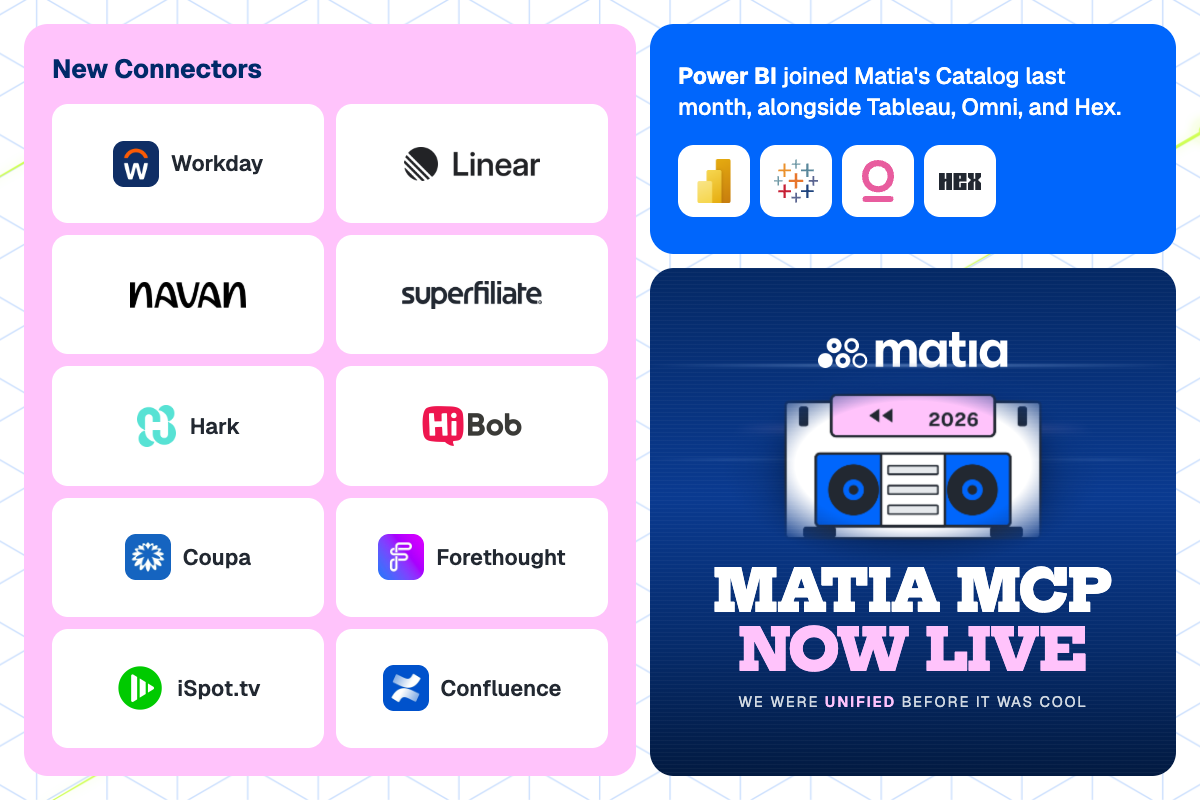
Matia MCP is now available, Power BI's lineage integration is live, and we've added new connectors to bring even more of your stack into one place.
Our goal is to help you unify your data stack, cut tool bloat, and make it simple to see what's broken, where it started, and how to fix it. This month's releases do exactly that.
Matia MCP Is Live
Plenty of companies are now using an MCP to bolt their tools together after the fact. Matia didn't have to. Our platform was unified from day one: ETL, reverse ETL, observability, and catalog in one place. This month, we launched Matia MCP, which is now available to any customer. Because Matia MCP sits on top of the unified platform, it’s not calling four separate data tools, which means less room for error and more accurate information in one central place.
What the Matia MCP does:
- Traces downstream impact: Follow a failing connector through the transformation and the sync to the dashboard it breaks, all in one conversation
- Find root causes: Ask about your broken dashboard, and it traces back to the source so you know where the issue started
- Flags what's at risk: Ask what a change will affect before you make it, so you see the impact before you decide
- Waits for your approval: Matia surfaces the recommendation. Running a sync or toggling a monitor still needs your confirmation, every time.
Matia MCP has rolled out to our customers now, connecting through OAuth with permissions enforced by RBAC, so your agent only sees what your own system access already allows.
Read the full launch post for how it works and what teams are already doing with it, or go straight to matia.io/mcp to book a demo to see it live.
Power BI Lineage Is Live
Power BI joined Matia's Catalog last month, alongside Tableau, Omni, and Hex. Once you connect a Power BI workspace, Matia picks up:
- Descriptions. Asset descriptions carry over from Power BI, so you don’t redocument what a report already explains
- Lineage. Native Power BI lineage traces relationships between datasets, reports, and dashboards down to the column level, running upstream through Snowflake and Databricks so you can follow a column back to where it started
- Usage. Usage metrics land in the Catalog's usage tab, so you can see what's actually being read, not just what exists
Read the full Power BI lineage post for what that looks like in practice.
New Sources Pull Data From
- Workday HCM: Worker records, positions, payroll, and org structure sync straight from Workday, so HR reporting doesn't mean a manual pull every time
- Superfiliate: Affiliate, influencer, and referral program data lands in your warehouse next to the rest of your marketing data
- Navan: Travel and expense data syncs directly from Navan into your warehouse
New Destinations to Send Data
- Linear: Push customer records from your warehouse straight into Linear, so product and support teams work from the same data without a manual sync
Want to cut your sync times by 80%, like we did for Ramp? Book a demo here.






.svg)


